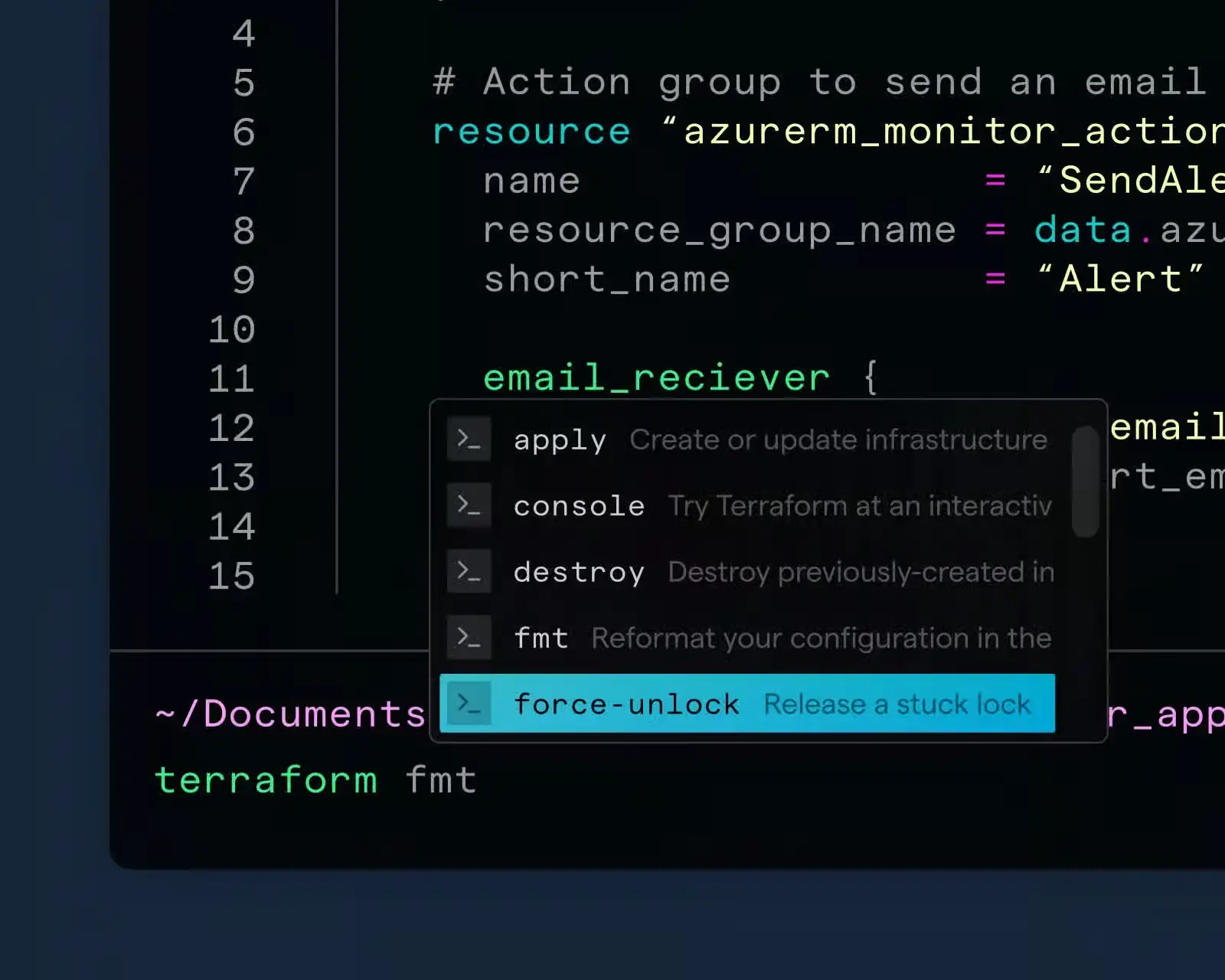
Next Generation Terminal Emulators: Rust Powered Speed and Smarter Workflows
Created on 13 October, 2025 • Developer Tools • 713 views • 4 minutes read
Explore the rise of next‑generation terminal emulators—Warp, Alacritty, and Kitty—and discover how Rust‑powered performance, GPU acceleration, and modern UX are reshaping developer workflows.
The command line remains the backbone of software development, system administration, and data science. Yet traditional terminals—often written in C or legacy frameworks—struggle to keep pace with today’s high‑resolution displays, GPU‑driven rendering, and collaborative workflows. Enter the era of next‑generation terminal emulators. Built primarily in Rust, projects like Warp, Alacritty, and Kitty combine safety, speed, and modern user experiences, setting a new standard for how we interact with shells.
Why Rust Matters for Terminal Development
Rust’s ownership model eliminates many classes of memory bugs that plagued older C‑based terminals. By guaranteeing thread safety and preventing buffer overflows at compile time, Rust enables developers to push performance limits without sacrificing stability. This foundation translates directly into three tangible benefits for users of next‑generation terminal emulators:
- Lightning‑fast rendering – GPU acceleration and zero‑copy pipelines reduce latency to a few milliseconds.
- Predictable resource usage – Low CPU overhead keeps laptops cool during long sessions.
- Robust extensibility – Plugins and scripting APIs can be added safely, encouraging community innovation.
Spotlight on Three Rust‑Based Leaders
1. Warp – The Collaborative Cloud‑Native Shell
Warp reimagines the terminal as a productivity platform rather than a mere text buffer. Its key differentiators include:
- Command palette & UI blocks – Users compose commands visually, reducing syntax errors.
- Live sharing – Teams can stream a session or co‑edit commands in real time, akin to pair‑programming in an IDE.
- Built‑in AI assistance – Context‑aware suggestions powered by large language models accelerate learning curves.
Warp’s architecture leverages Rust for the core rendering engine while integrating a modern Electron‑style front‑end for cross‑platform consistency. The result is a sleek macOS‑first experience that feels native yet powerful enough for Linux and Windows via WSL.
Authority source: The official Warp blog outlines its design philosophy and performance benchmarks > https://warp.dev/blog
2. Alacritty – The Minimalist GPU‑Accelerated Terminal
Alacritty lives by the mantra “simple is fast.” It strips away unnecessary features (tabs, splits, scrollbars) and focuses on raw throughput:
- OpenGL/Vulkan rendering – Direct GPU pipelines achieve >10 k FPS on modest hardware.
- Config‑first approach – All customizations are expressed in a plain‑text YAML file, keeping the binary lean.
- Cross‑platform parity – Identical behavior on macOS, Linux, and Windows ensures consistent developer ergonomics.
Because Alacritty delegates advanced UI features to external multiplexers like tmux, it pairs well with power users who already rely on a customized workflow.
Source: Alacritty’s GitHub README provides detailed performance comparisons with other terminals > https://github.com/alacritty/alacritty
3. Kitty – The Feature‑Rich, GPU‑Enabled Terminal
Kitty balances performance with a rich feature set, positioning itself as a full‑stack terminal:
- GPU‑based text layout – Supports ligatures, true‑color, and image rendering without sacrificing speed.
- Extensible scripting – Python scripts can manipulate windows, tabs, and even draw graphics directly in the terminal.
- Remote control protocol – Allows external programs to open new windows, send keystrokes, or adjust layouts on the fly.
Kitty’s hybrid design—Rust core + Python extensions—offers the flexibility of a programmable environment while retaining the safety guarantees of Rust.
Authority source: Kitty’s documentation highlights its architectural choices and performance metrics > https://sw.kovidgoyal.net/kitty
Comparing Core Capabilities
| FeatureWarpAlacrittyKitty | |||
| GPU Rendering | Yes (via wgpu) | Yes (OpenGL/Vulkan) | Yes (OpenGL) |
| Collaboration | Built‑in live sharing | None (requires external tools) | None (but can script) |
| Extensibility | Plugin marketplace, AI suggestions | Config‑only (YAML) | Python scripting API |
| Resource Footprint | Moderate (UI layer) | Very low | Moderate (extra features) |
| Platform Support | macOS, Linux, Windows (WSL) | macOS, Linux, Windows | macOS, Linux, Windows |
All three terminals embody the next‑generation terminal emulators ethos: speed, safety, and a modern user experience. Choosing the right one hinges on workflow preferences—collaboration (Warp), ultra‑minimalism (Alacritty), or programmable richness (Kitty).
Integrating Next‑Generation Terminals Into Your Workflow
- Assess your primary needs – If you frequently pair‑program or need AI‑assisted command generation, Warp offers the most immediate productivity boost.
- Benchmark on your hardware – Run each emulator’s built‑in performance test (
warp bench,alacritty --benchmark,kitty +kitten diff) to verify latency and CPU usage. - Combine with multiplexers – Pair Alacritty or Kitty with tmux or Zellij for session persistence, split panes, and advanced navigation.
- Leverage scripting – Use Kitty’s Python API to automate repetitive tasks (e.g., launching Docker containers) or embed inline images for data visualizations.
- Stay updated – All three projects release frequent patches; subscribing to their release RSS feeds ensures you benefit from security fixes and new features.
Final Thoughts
The shift toward next‑generation terminal emulators signals a broader industry movement: embracing modern systems languages, GPU acceleration, and collaborative tooling to revitalize the command line. Whether you prioritize speed (Alacritty), extensibility (Kitty), or teamwork (Warp), Rust‑based terminals deliver a secure, performant foundation that outpaces legacy alternatives. By adopting one—or even all—of these tools, developers can unlock faster feedback loops, cleaner code, and a more enjoyable daily workflow.