What is a User Agent? How to Decode It with a User Agent Parser
Created on 2 October, 2025 • Developer Tools • 261 views • 3 minutes read
Learn what a User-Agent string is and the information it reveals about your browser, OS, and device. Discover how to use a free online parser to decode this data.
Every time you visit a website, a silent introduction takes place. Before any content is loaded, your web browser sends a brief, automated message to the server. This digital calling card is known as the User-Agent string.
It’s a long, cryptic-looking piece of text that, to the untrained eye, looks like gibberish. But hidden within this string is a wealth of information about the device, operating system, and browser making the request.
So, what exactly is this string, what data does it contain, and how can you easily make sense of it?
What is a User-Agent String?
The User-Agent (UA) is a standard HTTP header sent with every request a browser makes to a web server. Its primary purpose is to allow the server to identify the client requesting the page. This enables the server to customize and serve content that is compatible with that specific client.
A typical User-Agent string from a modern desktop browser in 2025 might look something like this:
Mozilla/5.0 (Windows NT 10.0; Win64; x64) AppleWebKit/537.36 (KHTML, like Gecko) Chrome/129.0.0.0 Safari/537.36
While dense and difficult to read, this single line of text contains several key pieces of information.
What Information is Hidden in the String?
Let's break down the example above:
Mozilla/5.0: This is a historical artifact left in for compatibility reasons. Almost every browser includes it, and it can generally be ignored.(Windows NT 10.0; Win64; x64): This is the Operating System. In this case, it indicates a 64-bit version of Windows 10 or 11.AppleWebKit/537.36: This is the Rendering Engine the browser uses to display the webpage.Chrome/129.0.0.0: This is the Browser Name and Version. Here, it's Chrome version 129.Safari/537.36: This is another compatibility token, often included by browsers that use the WebKit rendering engine.
A User-Agent from a mobile device is often even more descriptive, sometimes including the device model, like (iPhone; CPU iPhone OS 18_0 like Mac OS X).
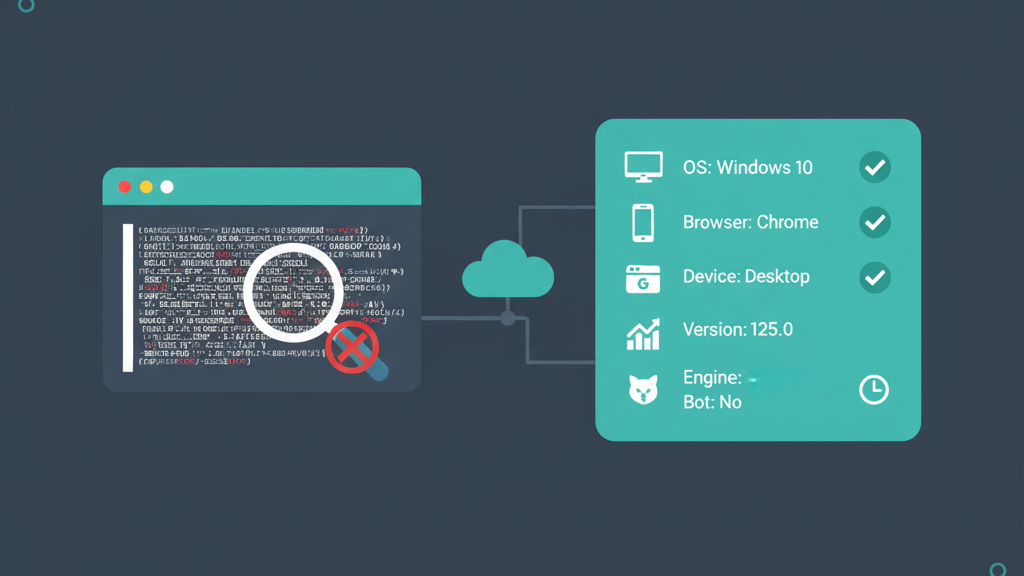
[Image showing a User-Agent string being broken down into its component parts: OS, Browser, etc.]
Why is This Information Useful?
Parsing this data is crucial for a wide range of web professionals:
- For Web Developers: It's essential for troubleshooting. If a bug only appears for users on a specific version of Safari on iOS, the User-Agent string is the key to identifying and replicating the issue. It also allows them to serve mobile-specific versions of a site to mobile UAs.
- For Web Analysts and Marketers: It provides valuable insights into the audience. What percentage of your visitors are on desktop vs. mobile? Which browsers are the most popular? This data, collected in tools like Google Analytics, helps guide design decisions and marketing strategies for a global audience, from users here in Bangkok to those in Boston.
The Solution: A User Agent Parser
Trying to manually read and interpret these strings is difficult, and writing code to do it is a notorious headache due to the thousands of possible variations.
This is where a User Agent Parser comes in. It’s a specialized tool that takes a raw UA string and instantly breaks it down into a clean, structured, and human-readable format.
For a quick and easy analysis of any UA string, an online tool is the most convenient option. A simple tool like the User Agent Parser from Shortus.xyz can be incredibly helpful for developers and marketers who need a fast result without writing any code.
How to Use an Online Parser:
- Find a UA String: You can find your own by searching "what is my user agent" or get one from your website's log files.
- Paste it into the Parser: Copy the entire string and paste it into the tool.
- Get the Results: The tool will instantly show you a neat table with the Browser, Version, Operating System, and Device Type.
The User-Agent string is a fundamental part of how the web works. By using a parser, you can easily translate this cryptic line of text into valuable, actionable insights.