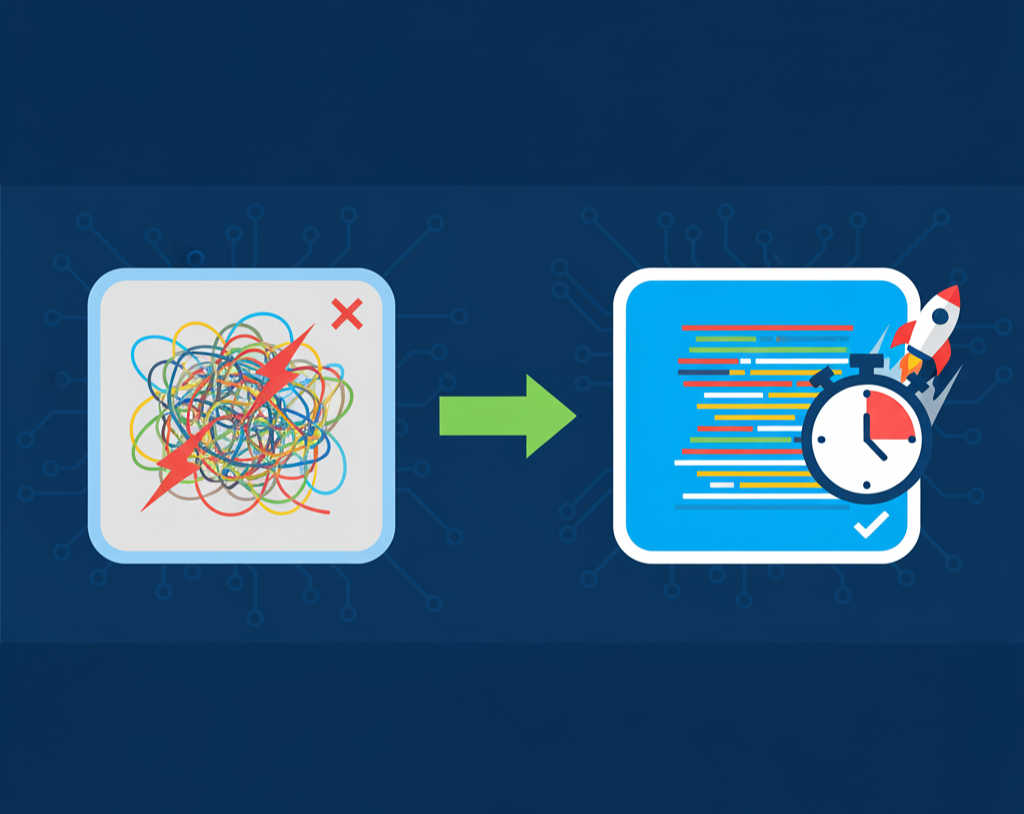
What is a JavaScript Minifier? A Simple Guide to Faster-Loading Code
Created on 23 September, 2025 • Developer Tools • 290 views • 4 minutes read
Ever looked at a website's source code and seen one giant, unreadable line of JavaScript? That's minified code. Learn what it is and why it's essential for site speed.
If images are the "weight" of a website, then JavaScript is the "engine."
It’s the code that powers your interactive elements—image sliders, contact forms, pop-up notifications, and dynamic content. Without it, most modern websites would feel static and broken.
But this engine has a cost. The more features you add, the more JavaScript you have. And the more code a user has to download, the slower your website becomes.
This is a critical problem, as website speed is directly linked to user satisfaction and even your Google ranking via Core Web Vitals. So how do you deliver a rich, interactive experience without the performance-killing load times?
The answer, in large part, is minification.
The Two "Languages" of Code
To understand minification, you first need to know that developers write code for two different audiences: humans and computers.
1. Human-Readable Code
When a developer writes JavaScript, they write it for other people to read, edit, and maintain. This code is clean, organized, and full of helpful extras:
- Indentation and Whitespace: Using tabs and new lines to create a clean visual structure.
- Comments: Notes that explain what a piece of code is supposed to be doing.
- Long, Descriptive Names: Using variable names like
customerFirstNameinstead ofc.
Here’s a simple "human-readable" example:
This is perfectly clear to another developer. But to a web browser... it's just slow.
2. Machine-Readable Code
A browser doesn't care about comments or clean spacing. All those extra spaces, tabs, and new lines are just extra data that must be downloaded.
Minification is the process of converting that "human-readable" code into "machine-readable" code.
What is JavaScript Minification?
Minification is the process of removing all unnecessary characters from source code without changing its functionality.
A JavaScript minifier tool will automatically strip out:
- Whitespace (spaces, tabs)
- Line breaks (new lines)
- Comments (like
// This is a comment)
Let's take our "human" code from above and run it through a minifier. The "machine-readable" output would look like this:
It’s the exact same code functionally, but it’s significantly smaller. It's completely unreadable for a human, but it’s lightning-fast for a browser to download and execute.
Why Minification is Essential for Site Speed
The benefits of this one simple step are massive.
- Smaller File Size: This is the most obvious win. It’s common for minification to reduce a JavaScript file's size by 30-70%.
- Faster Download Times: Smaller files are downloaded faster, especially for users on slower mobile connections. This directly reduces your page's "Time to Interactive" (TTI).
- Fewer HTTP Requests (Sometimes): Developers often "minify" and "bundle" their code at the same time, combining multiple JavaScript files into one. This reduces the number of round-trips the browser has to make to your server.
- Better User Experience & SEO: Faster site = happier users. Happier users = lower bounce rates. Lower bounce rates and faster speeds are strong positive signals to Google.
How to Minify Your JavaScript (The Easy Way)
For large-scale, professional web applications, developers use automated build tools (like Webpack or Gulp) that minify all their code every time they save.
But what if you're not running a complex application? What if you just have a small script for your WordPress site, or you're a student learning to code, or you just need to optimize a single file quickly?
You don’t need a complex setup. For a quick and easy solution, you can simply paste your code into a JavaScript minifier and get the optimized version in seconds.
This is a perfect workflow for:
- Optimizing small, standalone scripts.
- Quickly testing the performance impact of minification.
- Anyone who wants to speed up their site without a complex development environment.
A Quick Note: Minify vs. Uglify vs. Gzip
You might hear a few other related terms. Here’s the simple difference:
- Minification: Removes whitespace and comments. (Our code became
function addNumbers(num1,num2){var total=num1+num2;return total;}) - Uglification: A more aggressive optimization. It does everything minification does, but also renames your variables to be as short as possible. (Our code might become
function a(b,c){var d=b+c;return d;}). This makes the file even smaller but impossible to reverse-engineer. - Gzip: This is a separate, server-level compression. After you minify your file, your server can "zip" it (Gzip) before sending it to the browser, which then "unzips" it. You should always do both: Minify your code first, then have your server Gzip it.
Conclusion
Writing clean, readable code is a best practice for development. But shipping minified code is a best practice for production.
It’s one of the simplest, most fundamental steps in web performance. Before you upload your next .js file, take 10 seconds to run it through a minifier. It’s an easy win that will make your site faster for every single visitor.