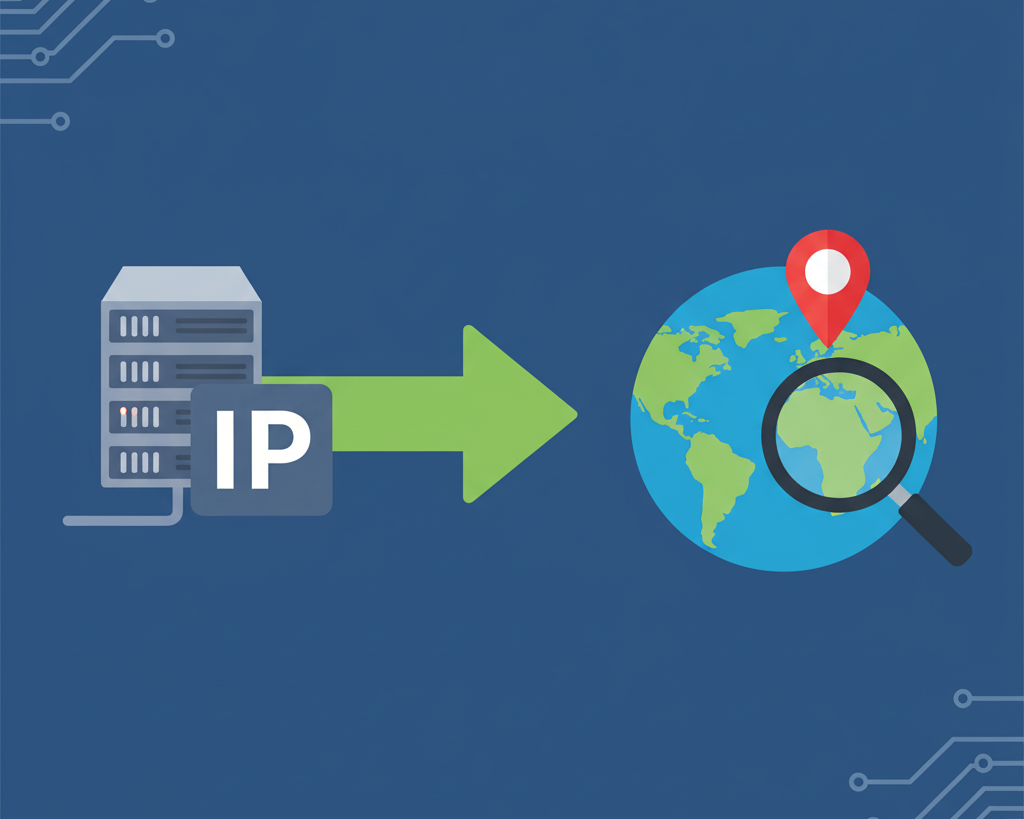
A Simple Guide to Finding a Location from an IP Addres(ip lookup)
Created on 21 September, 2025 • Checker Tools • 412 views • 2 minutes read
To find the country and city from an IP address, you can use a free online IP lookup tool. These tools query public geolocation databases that associate IP addresses with their approximate real-world locations, including the country, city, region, and the
Every device connected to the internet, from your smartphone to a massive web server, is assigned a unique identifier called an IP (Internet Protocol) address. Think of it as the digital equivalent of a mailing address for your house. It ensures that the data you request—like a webpage or an email—finds its way to you and not someone else.
But this digital address also carries geographic information. The process of tracing an IP address to its real-world location is known as IP geolocation, and understanding how it works can be incredibly useful.
How Does IP Geolocation Actually Work?
The process of finding an IP address's location isn't magic; it's a logical system of delegation and record-keeping. It works like this:
- Global to Regional: A top-level organization (IANA) allocates large blocks of IP addresses to five Regional Internet Registries (RIRs) that cover different parts of the world (e.g., North America, Europe, Asia).
- Regional to Local: These RIRs then assign smaller blocks from their allocation to Internet Service Providers (ISPs) within their specific geographic regions, such as a single country or state.
- Local to You: Finally, your local ISP (like Comcast, BT, or a local fiber company) assigns a single IP address from its block to your home or business router.
Because these IP blocks are assigned geographically, companies can build and maintain massive geolocation databases. These databases essentially act as a giant directory, mapping IP address ranges to the ISPs that own them and, consequently, to the cities and countries they serve. When you use an IP lookup tool, it queries these databases to find a match for the IP you entered.
How Accurate is the Location Data?
This is a crucial point to understand. The accuracy of IP geolocation varies depending on what you're looking for.
- Country Level: Accuracy is extremely high, typically over 99%. The IP block is definitively assigned to an ISP within a specific country.
- City Level: Accuracy is good but not perfect. The location shown is usually the central point of the ISP's service area or where their main network equipment is located. This could be the center of your city or a neighboring town, sometimes miles away from your actual location.
Important Note: IP geolocation cannot pinpoint a specific street address or house. It provides the general vicinity, not a GPS-level coordinate.
How to Perform an IP Lookup
The easiest way to find the country and city from an IP address is to use a simple online tool.
- Get the IP Address: First, you need the IP address you want to check. If you want to see your own public IP address, you can find it by simply searching "what is my IP" on Google.
- Use an IP Lookup Tool: Navigate to an online tool like the IP Lookup from Shortus.xyz.
- Enter the IP and Search: Paste the IP address into the search field and run the lookup.
- Analyze the Results: The tool will return a report that typically includes the Country, City, Region/State, and the name of the ISP.
By understanding this process, you can gain valuable insight into where internet traffic is coming from, all while respecting the privacy limitations of the technology.