URL Extractor: Your Shortcut to Finding All Links in Text
Created on 24 September, 2025 • Text Tools • 368 views • 1 minutes read
Have you ever needed to gather all of the website links from a long article, a messy email thread, or the source code of a webpage? The manual process is a pain: you have to read through everything, carefully spot each URL, and then copy and paste them one
What is a URL Extractor?
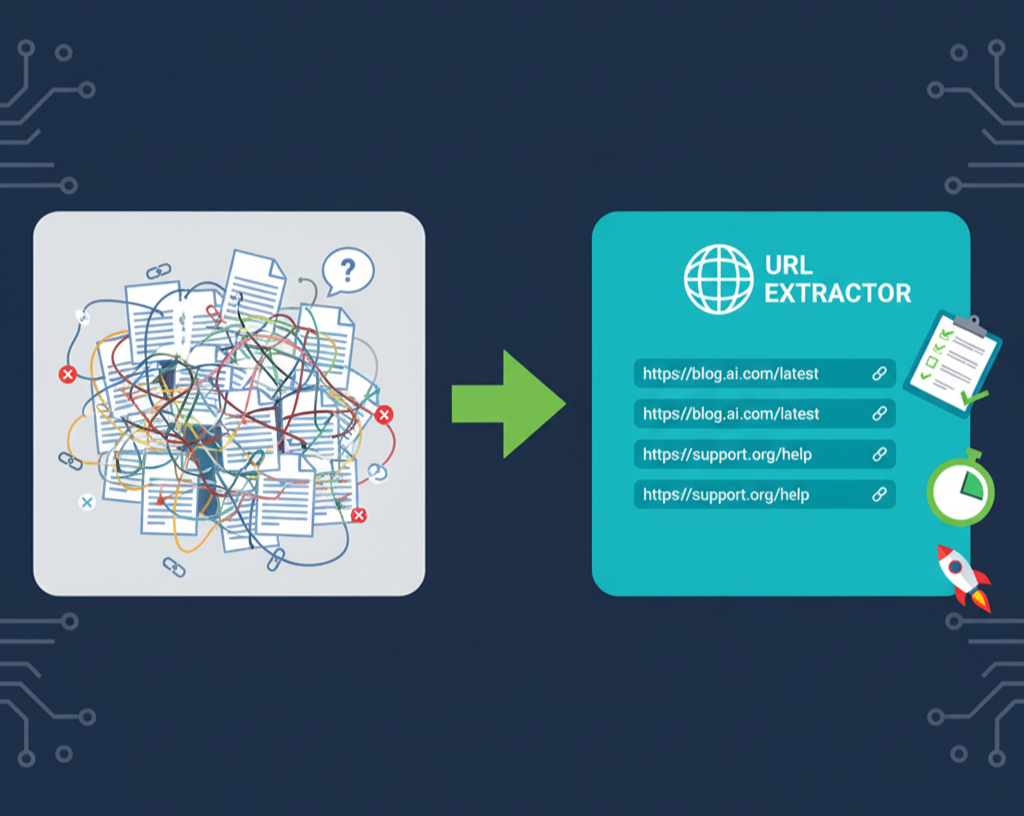
A URL Extractor is a utility that automatically scans a block of text to identify and pull out any string that is formatted as a website link (URL). It recognizes all common formats, whether they start with http://, https://, www., or just a domain name.
The tool then compiles all the found URLs into a clean, organized list that you can easily copy and use for your own purposes.
Why You Might Need This Tool
This simple utility is a massive time-saver for a wide range of tasks. Here are a few common scenarios where a URL Extractor is incredibly helpful:
- SEO & Content Audits: Quickly pull all internal and external links from a webpage’s source code to check for broken links or analyze a competitor's linking strategy.
- Data Collection & Research: Effortlessly gather all the source links from a research paper, a news article, or a list of resources.
- Marketing & Sales: Extract website links from a messy list of potential leads or from social media bios.
- General Productivity: Clean up a long document or email by pulling all the important links into a neat, separate list.
How to Use the URL Extractor
Using the Shortus.xyz URL Extractor is as easy as it gets.
- Copy Your Text: Go to your document, webpage, or email and copy the entire block of text that contains the links you want to find.
- Paste into the Extractor: Open the URL Extractor tool and paste your text into the large input box.
- Get Your List Instantly: The tool will immediately process the text and display a clean list of every single URL it found. You'll also see a count of the total unique links discovered.
From there, you can copy the entire list with a single click. Stop wasting time on manual searches and let an automated tool do the work for you in seconds.